Accessory Use

Set up, carry and store the accessories supplied with your Aimarz keyboard.

Four steps showing how to fold the stand flat, form it, tuck the flap into the pocket and place a device
01

Fold-Flat Stand

Stores flat or folds in half for easy packing, then folds and secures into a stand for your phone or tablet.

  1. 1

    Lay Flat or Fold in Half to Store

    Keep the stand flat or fold it in half for compact, space-saving storage in the pouch or bag.

  2. 2

    Fold Into Shape

    Fold the stand along the pre-shaped creases to form the supporting shape.

  3. 3

    Tuck Into the Pocket

    Insert the folded flap into the built-in pocket to secure the stand and hold its shape.

  4. 4

    Place Your Device

    Place your phone or tablet on the front support and lean it against the stand.

Four AF01 steps showing where to position, attach, fold and open the adhesive riser feet
02

AF01 Adhesive Riser Feet

Install the riser feet just inside the two hinges. For everyday typing, we recommend keeping the feet folded.

  1. 1

    Position Just Inside the Hinges

    Before removing the adhesive backing, place one riser foot on the underside of the center section, just inside each hinge.

  2. 2

    Peel & Attach

    Peel off the adhesive backing, place each riser foot in position, and press firmly to secure.

  3. 3

    Recommended: Keep Feet Folded

    The riser feet already provide a gentle typing angle while folded. We recommend this lower-angle position for everyday typing.

  4. 4

    Open for Extra Lift

    If you prefer a higher typing angle, open both riser feet to raise the keyboard further.

Four AF02 steps showing where to position, attach, fold and open the adhesive riser feet
03

AF02 Adhesive Riser Feet

Install one riser foot on each keyboard section, positioning them as close to the center as practical. For everyday typing, we recommend keeping the feet folded.

  1. 1

    Position Near the Center

    Before removing the adhesive backing, place one riser foot on the underside of each keyboard section, as close to the center as practical.

  2. 2

    Peel & Attach

    Peel off the adhesive backing, place each riser foot in position, and press firmly to secure.

  3. 3

    Recommended: Keep Feet Folded

    The riser feet already provide a gentle typing angle while folded. We recommend this lower-angle position for everyday typing.

  4. 4

    Open for Extra Lift

    If you prefer a higher typing angle, open both riser feet to raise the keyboard further.

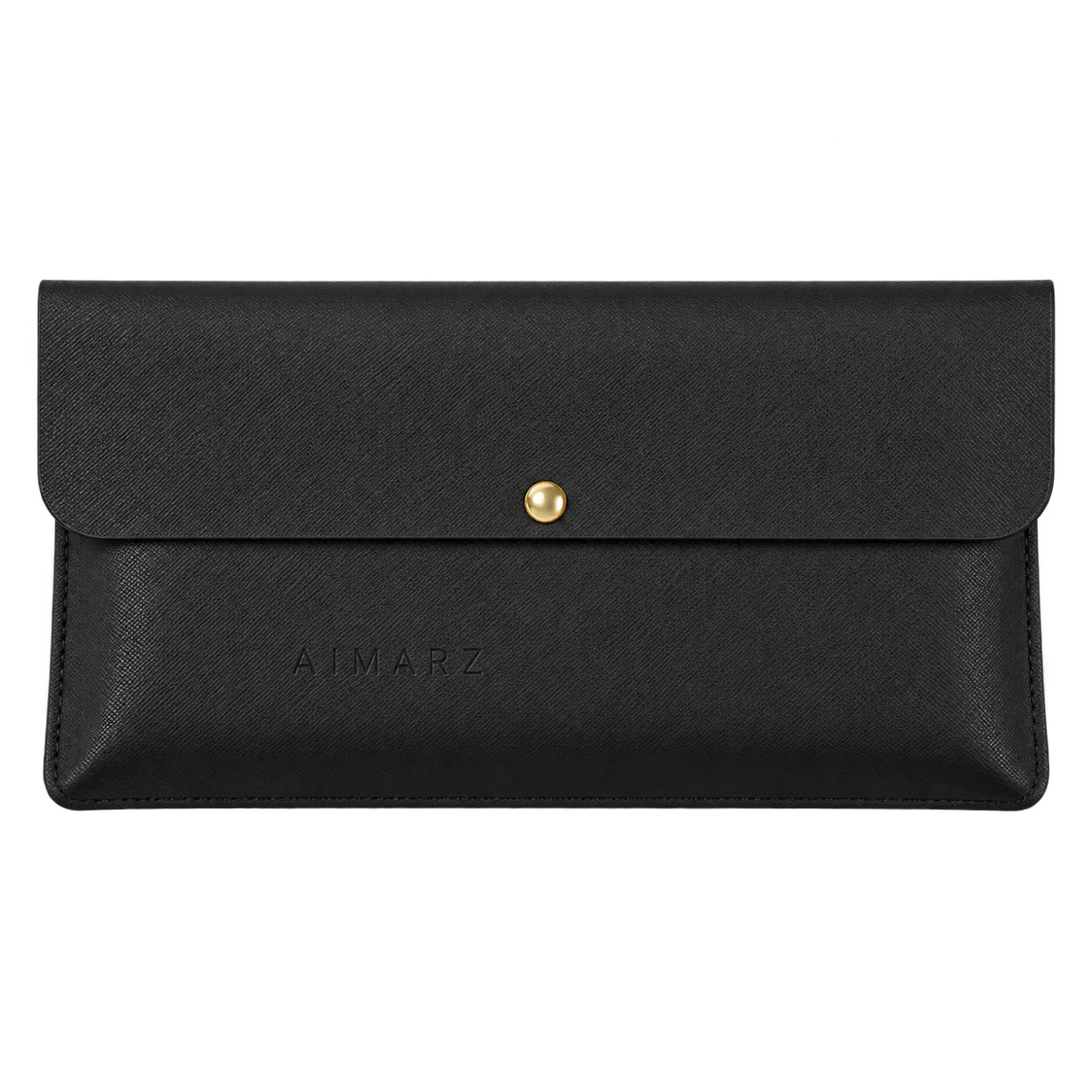
Black Aimarz leather pouch with gold snap closure
04

Leather pouch

Use the pouch to keep the folded keyboard and carry pieces together between workspaces.

  1. 1

    Fold the Keyboard

    Fully fold the keyboard before placing it inside.

  2. 2

    Position Small Adapters

    Keep small adapters positioned so they do not press against the keys or hinges.

  3. 3

    Close the Snap

    Close the snap before placing the pouch in a larger bag.