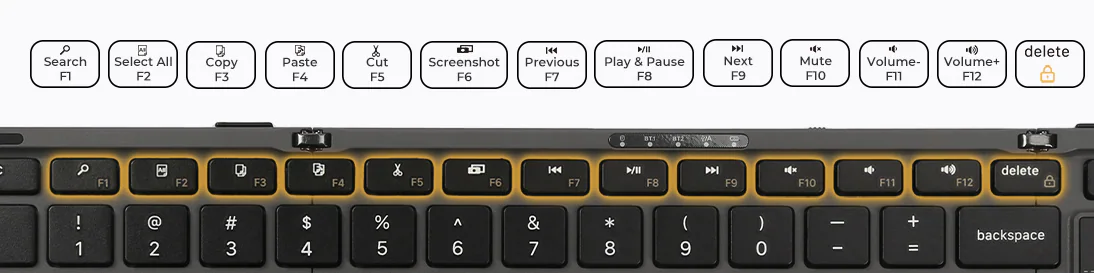
Status indicators
Connection mode buttons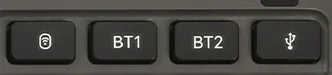
01
Bluetooth pairing
- 1
Turn on the keyboard.
- 2
Short press BT1 or BT2 to select a Bluetooth channel.
- 3
Press and hold the selected Bluetooth button for 3 seconds.
- 4
Wait for the Bluetooth status indicator to blink rapidly, then open Bluetooth settings on the device.
- 5
Select Aimarz Keyboard from the available devices.
- 6
If a pairing code appears, enter it on the keyboard and press Enter.
- 7
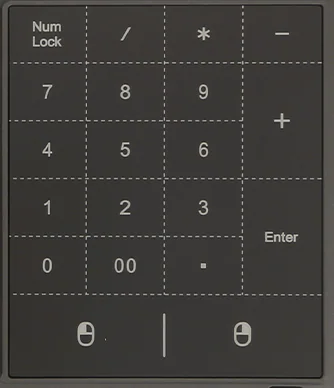
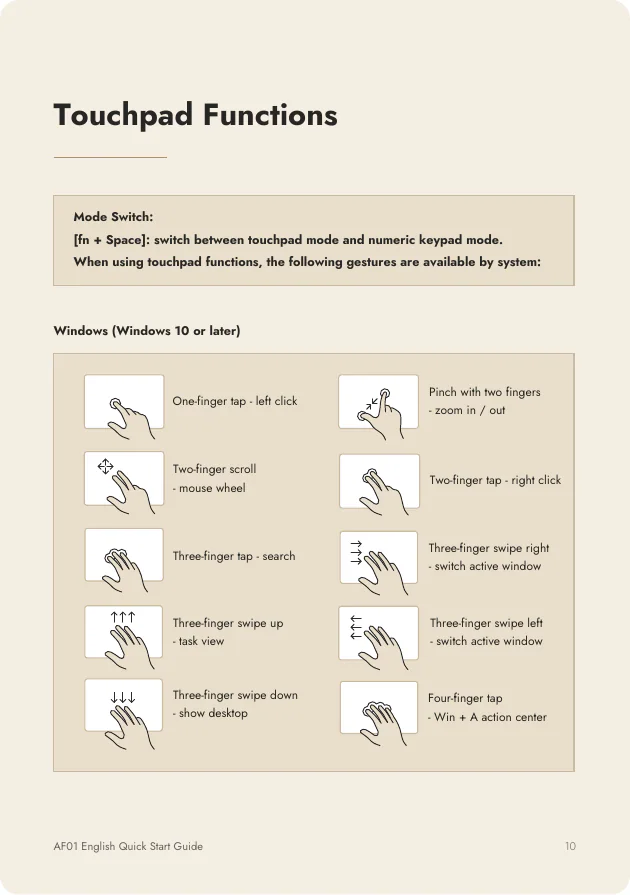
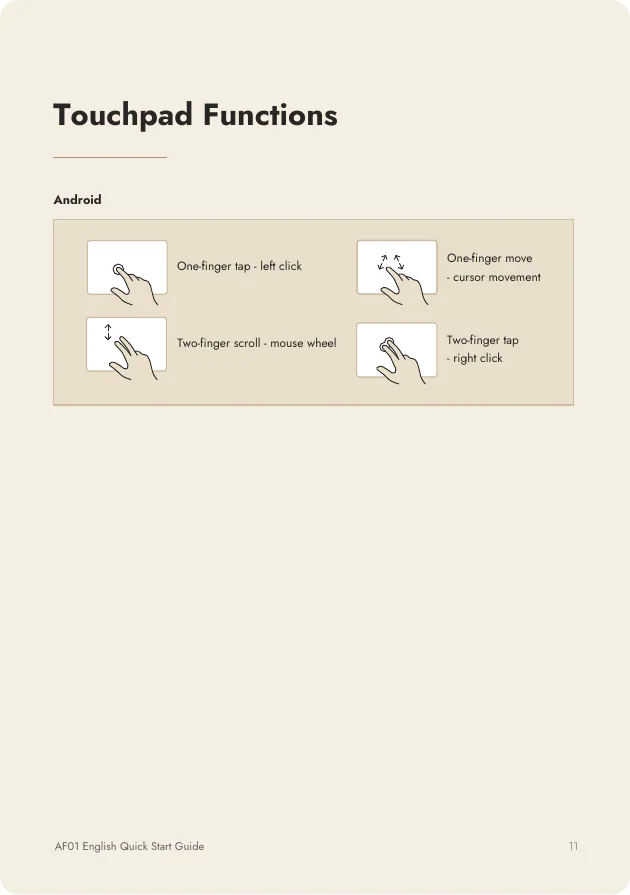
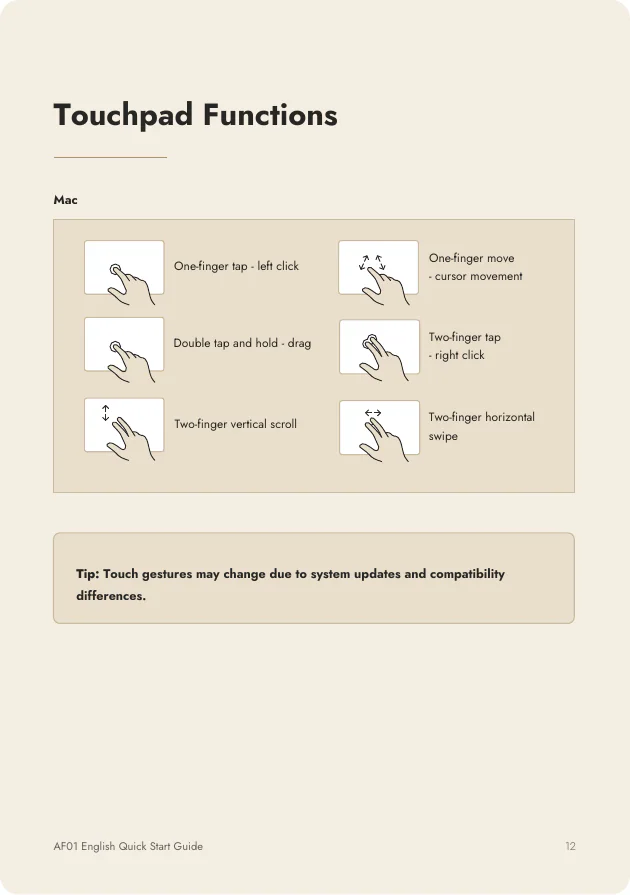
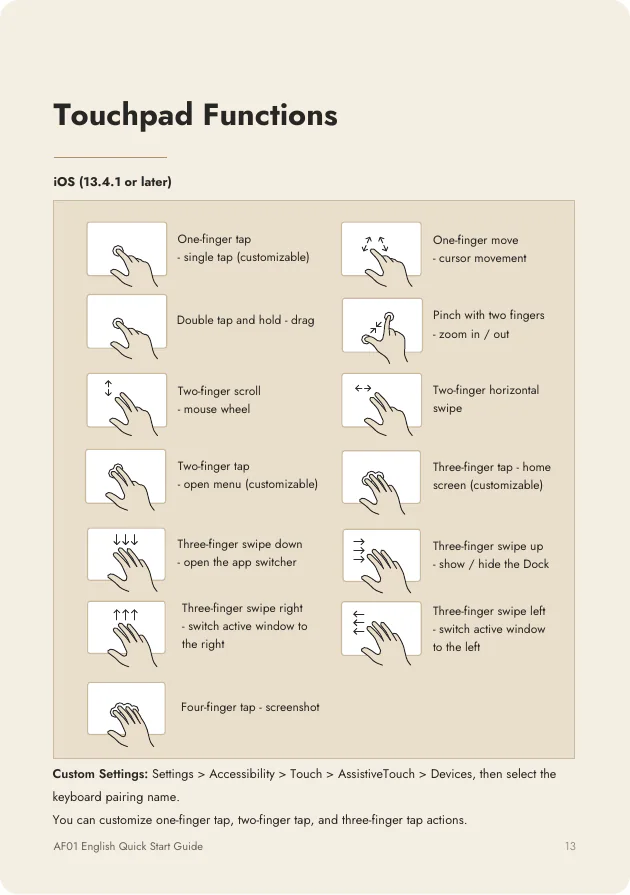
Test typing and touchpad operation.
If pairing fails, remove Aimarz Keyboard from the device list and repeat the pairing process.